

If you’re just starting using Reloadly’s Top-Ups API, it makes sense to run a few tests before you go all-in.
To run these tests without affecting your actual balance you can use the SandBox environment.
It works exactly like production but, in order to have it completely isolated from one another, there’s a separate set of credentials.
So, the first thing you need to do is to get an access token specific to this environment, like this:
 curl --location --request POST 'https://auth.reloadly.com/oauth/token' \
      --header 'Content-Type: application/json' \
      --data-raw '{
           "client_id":"$CLIENT_ID",
           "client_secret":"$CLIENT_SECRET",
           "grant_type":"client_credentials",
           "audience":"https://topups-sandbox.reloadly.com"
      }'
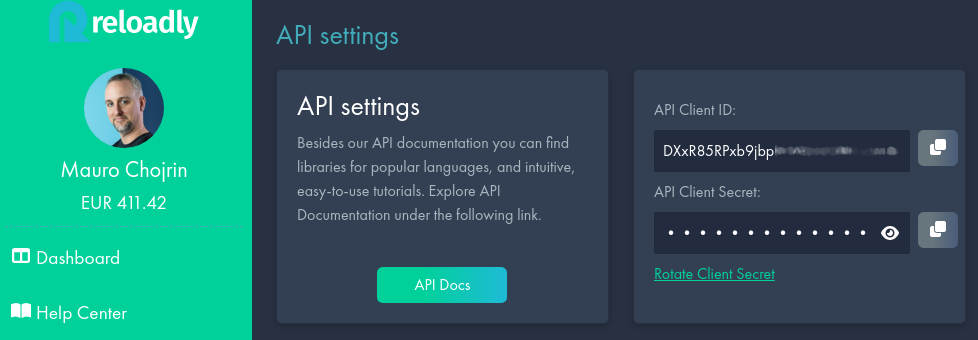
Just replace $CLIENT_ID and $CLIENT_SECRET with the values found in your dashboard:
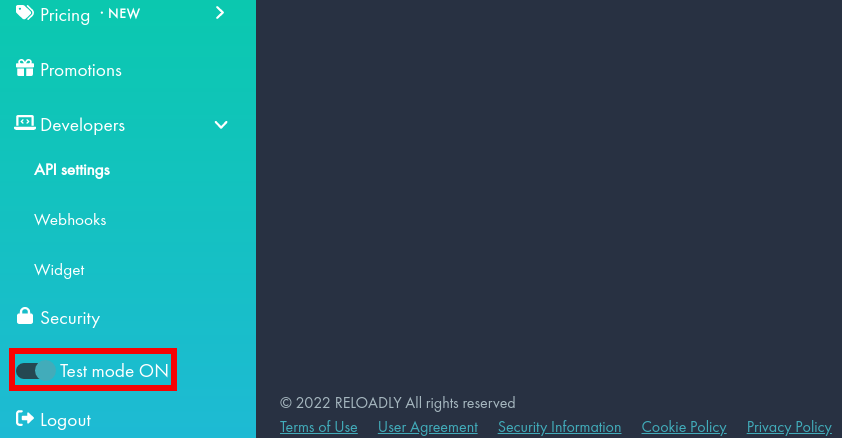
Make sure you are in development mode, otherwise the following calls will fail:
Then you can use the token to issue requests to the server like this:
curl --location --request POST 'https://topups-sandbox.reloadly.com/topups' \
     --header 'Authorization: Bearer $TOKEN' \
     --header 'Accept: application/com.reloadly.topups-v1+json' \
     --header 'Content-Type: application/json' \
     --data-raw '{
          "operatorId":"$OPERATOR_ID",
          "amount":"$AMOUNT",
          "recipientPhone": {
              "countryCode": "$COUNTRY_CODE",
              "number": "$RECIPIENT_NUMBER"
          }
     }'
Note how the URL contains a -sandbox as part of the domain name. That is indicating you’re interacting with the test servers.
Just replace the variables with the values you want to use and that’s it.
You can use this call with any number you want.
If don’t know the operator, you can find out by making a request to the auto-detect endpoint.
How to generate test mobile numbers for different countries
With what you learned so far you can test the API with any phone number you want. But what if you don’t have any particular number to use for testing?
Generating random numbers yourself can be really challenging since the format for each country can dramatically change.
Luckily, someone has done it for you.
There are services like FakeNumber or RandomNumber where, with just a couple of clicks you’ll get results such as:
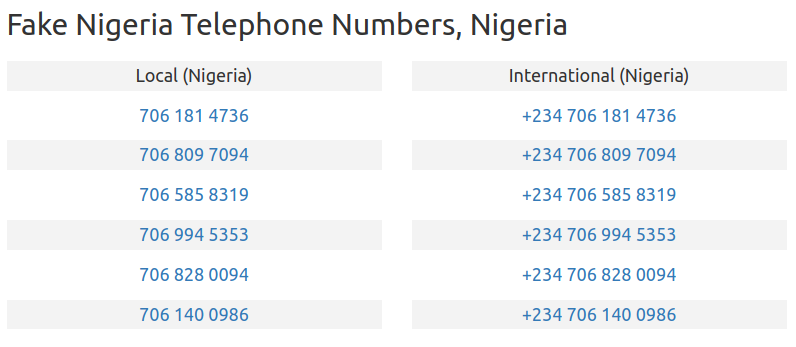
Or:
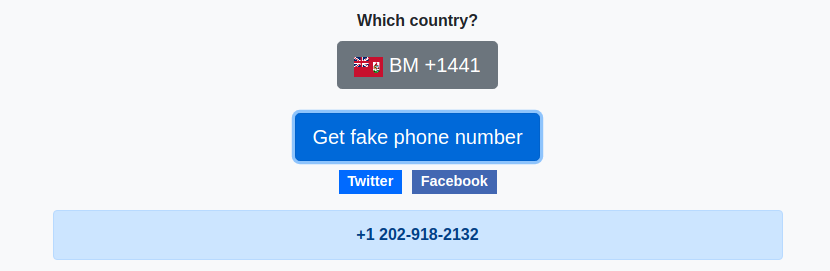
Random Bermuda phone number
You can generate as many random numbers as you need and use them in subsequent calls to Reloadly’s APIs.
In fact, you can even generate them programmatically and put together a script to automate both the number generation and top-up test.
Don’t let the unavailability of phone numbers become a roadblock for powering up your applications with Reloadly’s APIs.
Start testing today.